
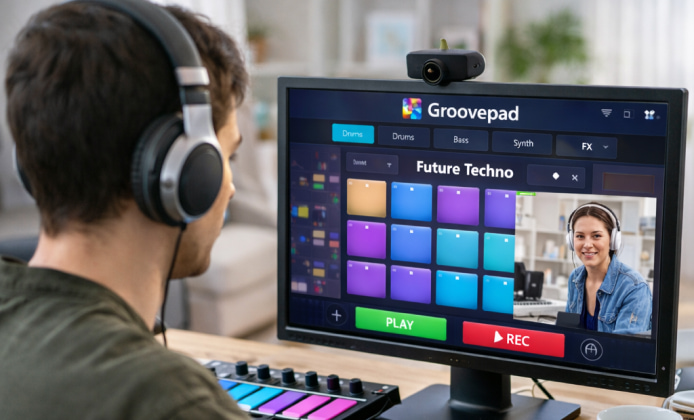
If you love building loops, layering drums, and testing melodies fast, a browser-first workflow can feel surprisingly natural. You can explore patterns, train your timing, and capture rough ideas without turning your setup into a full studio session. For quick browser-based beatmaking, Groovepad online can be a handy starting point for beginners who want instant feedback.
What Online Beatmaking Is Good For
Online music tools shine when you’re aiming for speed and simplicity. They’re ideal for sketching structure, experimenting with genres, and practicing transitions before you commit to a full DAW project.
- Idea capture: build a loop, then refine it later in your main software.
- Skill practice: work on timing, drops, and arrangement in short sessions.
- Sound discovery: learn what kinds of drum kits and synth layers fit your taste.
When you’re traveling or using a shared computer, Groovepad online for free may feel like an easy way to keep the creative habit going.
How to Get a Clean Loop Fast
A good loop usually starts with rhythm, then moves into harmony and texture. The trick is to keep changes small and listen for how elements interact over 8–16 bars.
- Start with a drum groove and lock the tempo.
- Add a bass line that supports the kick pattern.
- Layer a simple chord or pad to define the mood.
- Introduce one lead or hook, then remove anything that clashes.
- Make a “drop” by muting elements, not by adding more.
Many creators search for an online Groovepad option when they want to sketch ideas during a lunch break and save the heavy editing for later.
“The fastest way to improve is to finish small loops regularly then revisit the best ones with fresh ears.”
Arrangement Tips That Still Work Online
You don’t need advanced tools to practice arrangement. Think in sections: intro, build, drop, break, and outro. Even with limited controls, you can simulate energy changes by toggling layers on and off.
To test structure quickly, Groovepad online play can help you rehearse when to bring elements in and when to pull them out for contrast.
Sound Balance: A Simple Checklist
If your beat feels messy, it’s usually a balance issue rather than an idea issue. Use this checklist to tighten the mix even in a lightweight environment:
- Make the kick and bass take turns instead of competing constantly.
- Keep one main “star” sound in each section (hook, vocal chop, or lead).
- Reduce clutter by muting layers that don’t change the feel.
- Use short breaks to reset the listener’s ear before a drop.
For people who prefer a familiar interface in a browser tab, Groovepad app online can be a comfortable way to stay creative between longer sessions.
Quick Comparison Table
The best approach depends on what you’re trying to do today practice, draft, or produce. Here’s a simple comparison to help you choose a workflow:
| Goal | Best approach | What to focus on |
|---|---|---|
| Practice timing | Short daily sessions | Consistent tempo, clean transitions |
| Draft new ideas | Build 3–5 loops quickly | Hooks, chord mood, arrangement sketch |
| Prepare for DAW production | Export notes and structure | Section lengths, drop energy, layering plan |
Common Questions
- Can I make something that sounds “complete” online? Yes, if you treat it like a sketchpad for strong musical ideas: groove, hook, and structure matter more than complexity.
- What if I don’t have time to learn music theory? Focus on rhythm first, then reuse chord-friendly patterns you like; repetition with variation is a powerful teacher.
- How do I avoid getting stuck? Set a rule: finish a 30–60 second idea, then move on. The best loops will still be good tomorrow.
When budget matters, free Groovepad online can be a practical way to explore genres and build confidence before investing in advanced tools. To keep your workflow consistent across devices, Groovepad online app can fit neatly into a routine where you capture ideas first and polish them later in a full studio environment.


 Discover Practical Ways to Mix Beats With Groovepad on PC
 Groovepad App: A Practical Guide to Making Music
 How to Use Groovepad: Free Download, Setup, and Beatmaking Tips
 Groove in Your Browser: A Practical Guide to Making Beats Online
 What Is Groovepad and How to Use?
 Best Apps Similar to Groovepad